
Scott County VINELink Coverage
Indiana runs its victim-notification network under the name Indiana SAVIN. That is short for Statewide Automated Victim Information and Notification. The state says the service covers all 92 counties. It runs around the clock and costs nothing. The Scott County Sheriff's Office resources page links straight to VINELink. So Scott County sits inside the statewide search and alert path. There is no separate county-branded portal or local exception.
Know what the service actually does. VINELink follows custody events reported by a participating jail or correctional agency. It does not rebuild the Scott County Security Center booking profile. Turn to the sheriff roster for a booking number, intake time, arresting agency, charge text, or booking photo. Indiana SAVIN answers a narrower question. Is this person reported in custody, and can you get notice of a release, transfer, or similar change? Keeping those jobs separate prevents anyone from mistaking an alert service for a full arrest record.
Check a Scott County Custody
Gather enough detail to separate the right person first. A common name can pull up several matches. Scottsburg Police or Austin Police may make the arrest, yet the Scott County Security Center creates and holds the county booking record, so the reporting agency may differ from the arresting one. A transfer can shift responsibility again later. Read the reporting agency, facility, identifier, and status as a set. Never pick a result on the name alone.
- Open VINELink or the Indiana SAVIN portal, then select Indiana.
- Enter the person's first and last name. Add an inmate or offender identifier when one is known.
- Review every plausible match. Compare the identifier, reporting location, and available custody details.
- Open the matching record and note its current status and the agency or facility reporting it.
- If no reliable match appears, check the sheriff roster and call the detention contact before drawing a conclusion.
The vendor can change labels or form order anytime, so the live screen governs. The method holds. Pick Indiana, identify one person, study the reporting source, and verify any doubtful result. A blank search proves nothing. Processing lag can hide a result. So can spelling differences, transfers, releases, confidential status, or federal custody.
Scott County VINELink Result Fields
A result is a status record tied to a reporting jurisdiction. The reporting agency sets the fields. The current interface can shift them too. Most answer three things. They say who the record describes, where it is reported from, and whether a supported custody event exists. They do not replace the incident report, probable-cause affidavit, MyCase docket, or final disposition.
| Field | What it means |
|---|---|
| Name or identifier | Helps distinguish the subject from people with similar names. |
| Reporting agency or location | Shows which jail or jurisdiction supplied the custody information. |
| Custody status | States the current or recent status that the reporting source has sent. |
| Status event | May describe a release, transfer, or another supported change. |
| Notification option | Provides the path to register a phone, email, or text destination. |
Do not expect a booking photo here. Indiana SAVIN makes no Scott County photo promise. VINELink is not the court's case system. Use the sheriff's official roster for the local intake profile. For filed charges, hearings, and disposition, use Indiana MyCase or the Scott County clerk. Each source owns a different piece of the record.
Indiana SAVIN Login Screen
The official Indiana SAVIN login page displays the state account screen for its custody notification service.
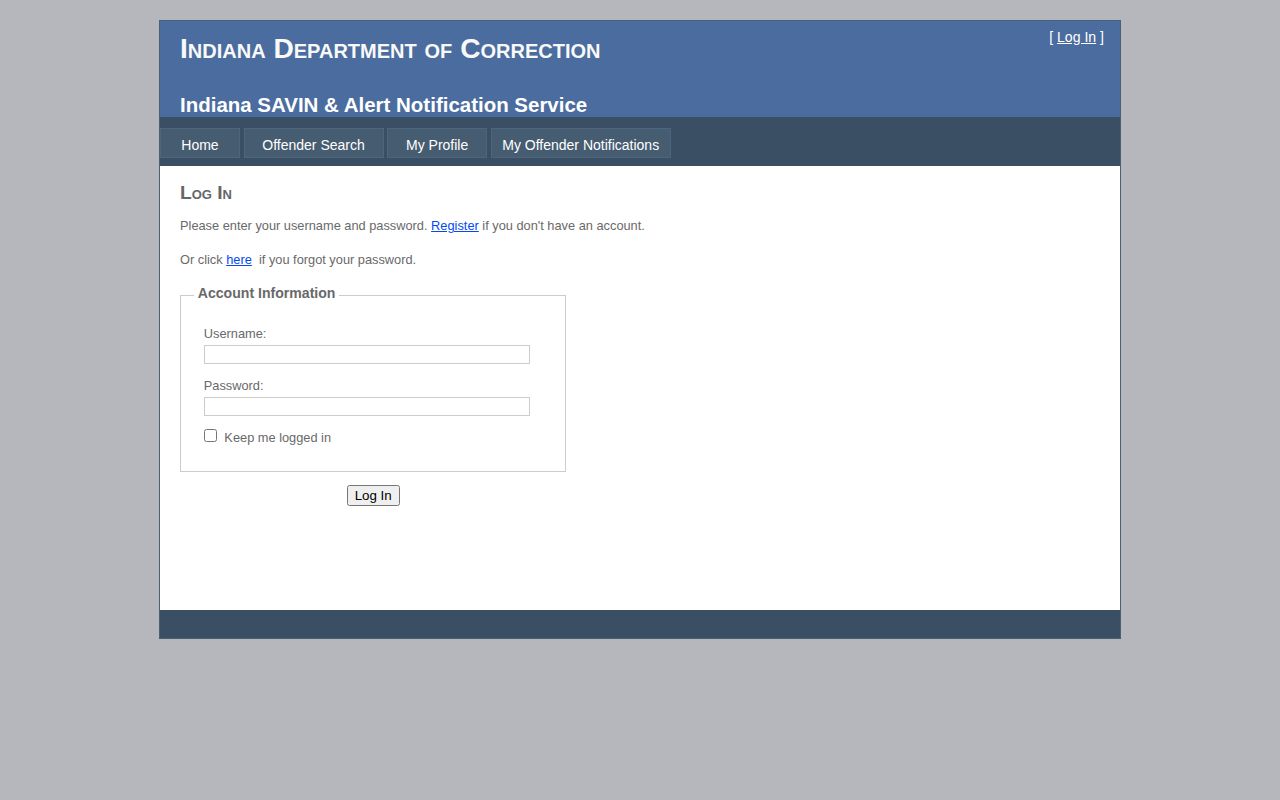
This is an account entry point, not a Scott County mugshot page. It lists no arrested people. Use the public custody search for a person lookup and the registration controls for notices.
Register Scott County Custody Alerts
Registration turns a single search into standing notice of later events the reporting system supports. The state describes release and transfer notifications. The live interface sets the exact event choices. Give a destination you actually check. A PIN or security details help confirm or manage the notices later. Registration does not change a jail record. It does not make a photo public. Nor does it promise every agency event arrives without delay.
- Open the correct person record after checking the identifying and reporting details.
- Select the notification or registration option shown with that result.
- Choose an available phone, email, or text destination and enter it accurately.
- Create or enter the requested PIN or security response.
- Select the offered event preferences, confirm registration, and retain the details needed to manage it.
Treat any notification as a prompt to verify. This matters before travel or a time-sensitive court or safety decision. Automated calls, messages, and emails can be delayed. Some may be missed outright. To confirm county custody directly, call the Scott County Security Center. The number is 812-752-8400. Administrative hours run Monday through Friday, 8:00 a.m. to 4:30 p.m. The sheriff's FAQ describes the office and jail as reachable around the clock for operational matters.
Indiana SAVIN Across Scott County
Scott County does not run its own separate alert program for custody notices. It rides on one statewide network instead. Indiana SAVIN covers every county. The sheriff's office posts a direct VINELink link for local use. An arrest may happen in Austin or Scottsburg. There is no second city system to hunt down. The alert registration travels with the person, not the agency.
One wrinkle deserves attention. A city officer may make the arrest while the county jail holds the booking record. The two roles are distinct. And custody status shifts over time. A person can bond out. They may transfer to the Indiana Department of Correction or fall under another authority entirely. When state prison custody enters the picture, the IDOC victim-services page matters. The IDOC offender locator works separately from both the county roster and VINE registration.
The practical takeaway is simple. Search by the person and the reporting location. Do not assume the Scott County label sticks after every custody change. State systems take over sometimes. A statewide route beats an invented county-only feed every time.
Verify Scott County Custody Status
VINELink has real limits. It is not the federal Bureau of Prisons locator. It is not the ICE Online Detainee Locator either. The U.S. Marshals run their own photo and history service, too. Someone held in federal or immigration custody may never surface through Indiana SAVIN. Fresh bookings and recent releases can also leave a person absent from the system. Records moving between agencies cause the same gaps. Treat no result as a prompt to try the proper official channel. It is never a final answer.
| Situation | Best official source |
|---|---|
| Just booked or in Scott County custody | Scott County Sheriff's current roster and detention line |
| Released from county custody | Sheriff's rolling 48-hour release view or a records request |
| Sentenced to Indiana prison | IDOC offender locator and victim services |
| Federal sentence | Bureau of Prisons inmate locator |
| Immigration detention | ICE Online Detainee Locator |
| Court outcome | Indiana MyCase and the Scott County clerk |
A very recent booking deserves a two-step check. Run VINELink, then compare it against Scott County arrests in the last 24 hours. The live roster tracks who is still in custody, so older bookings appear there too. The release view works differently. It shows exits during a rolling window. If a booking record or photo is needed after those windows change, send a focused Indiana Access to Public Records Act request to the agency that keeps it.